Open in
Editing your manager profile
Open Favorites → Profile to change your manager's information, options, country knowledge, languages or promises, or to move them to another club or a national team.
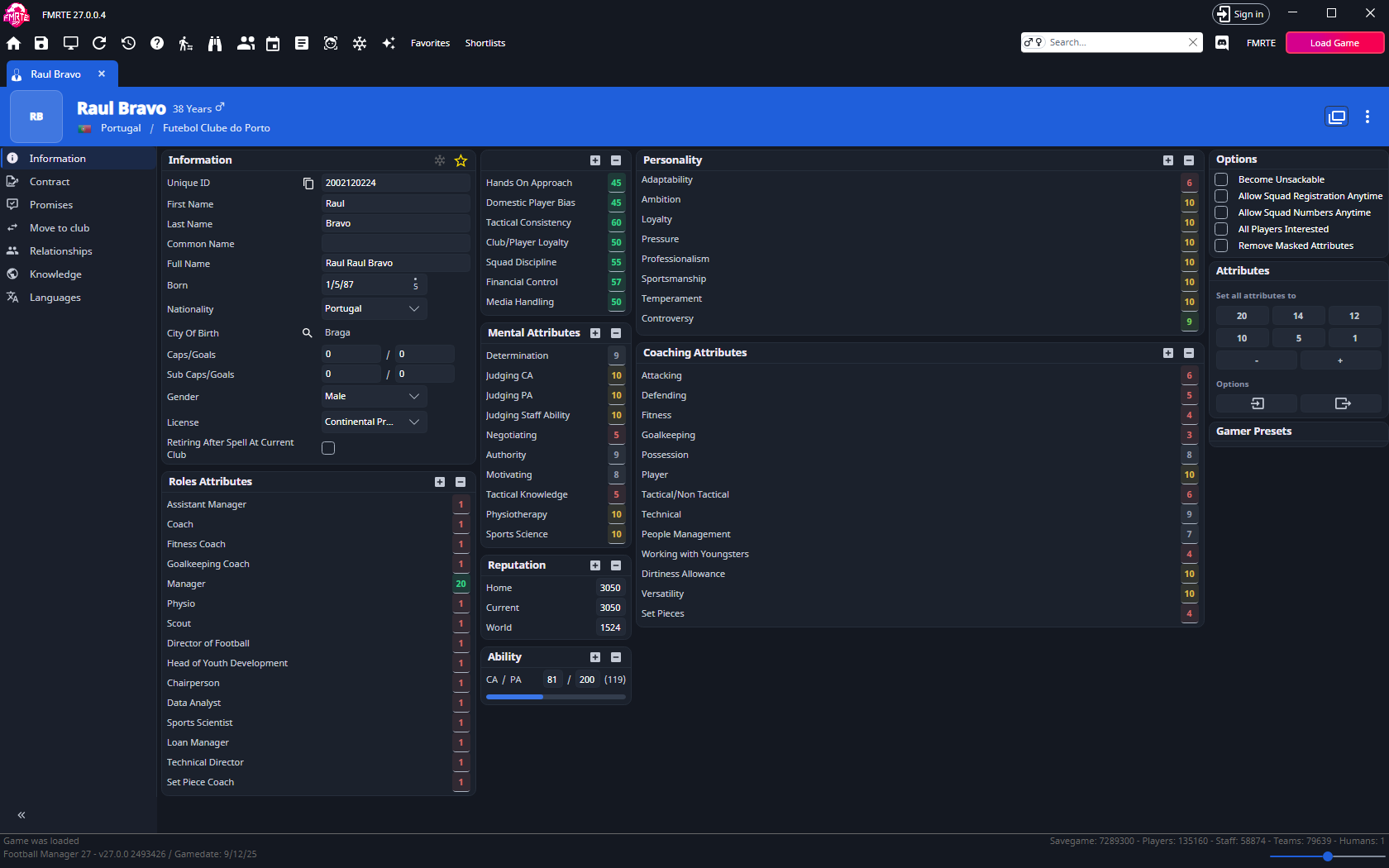
Change one profile option
On Information → Options, choose the setting you need and select Save Changes. Then try the related action in Football Manager.
| Option | Purpose |
|---|---|
| Become Unsackable | Protect your job |
| Allow Squad Registration Anytime | Open registration outside its normal window, other eligibility rules still apply |
| Allow Squad Numbers Anytime | Allow squad-number changes |
| All Players Interested | Change player-interest behaviour |
| Remove Masked Attributes | Reveal masked attribute information |
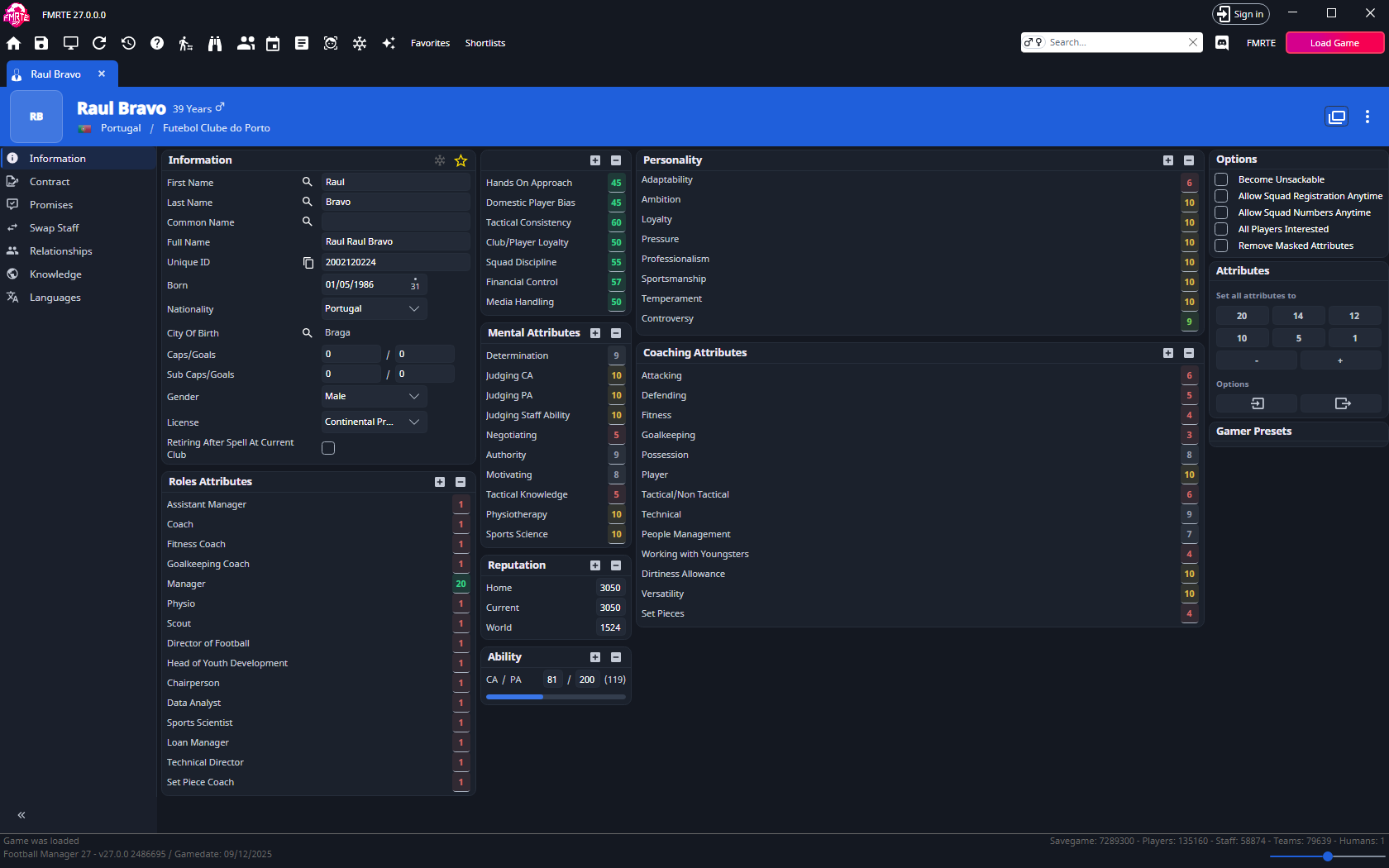
For a squad-number change, enable the option first, then edit Number on the player's Contract. See Registration for competition restrictions.
Move to another club or national team
This is an experimental feature. The Move to club tab and the menu items are hidden while Enable experimental features is off. If you turn it on, reopen your manager's page.
FMRTE moves your manager by sending a job offer that you answer in Football Manager's inbox. Open your manager's Move to club tab. It warns you the first time you open it on each page. Tick the box in that message to stop seeing it.
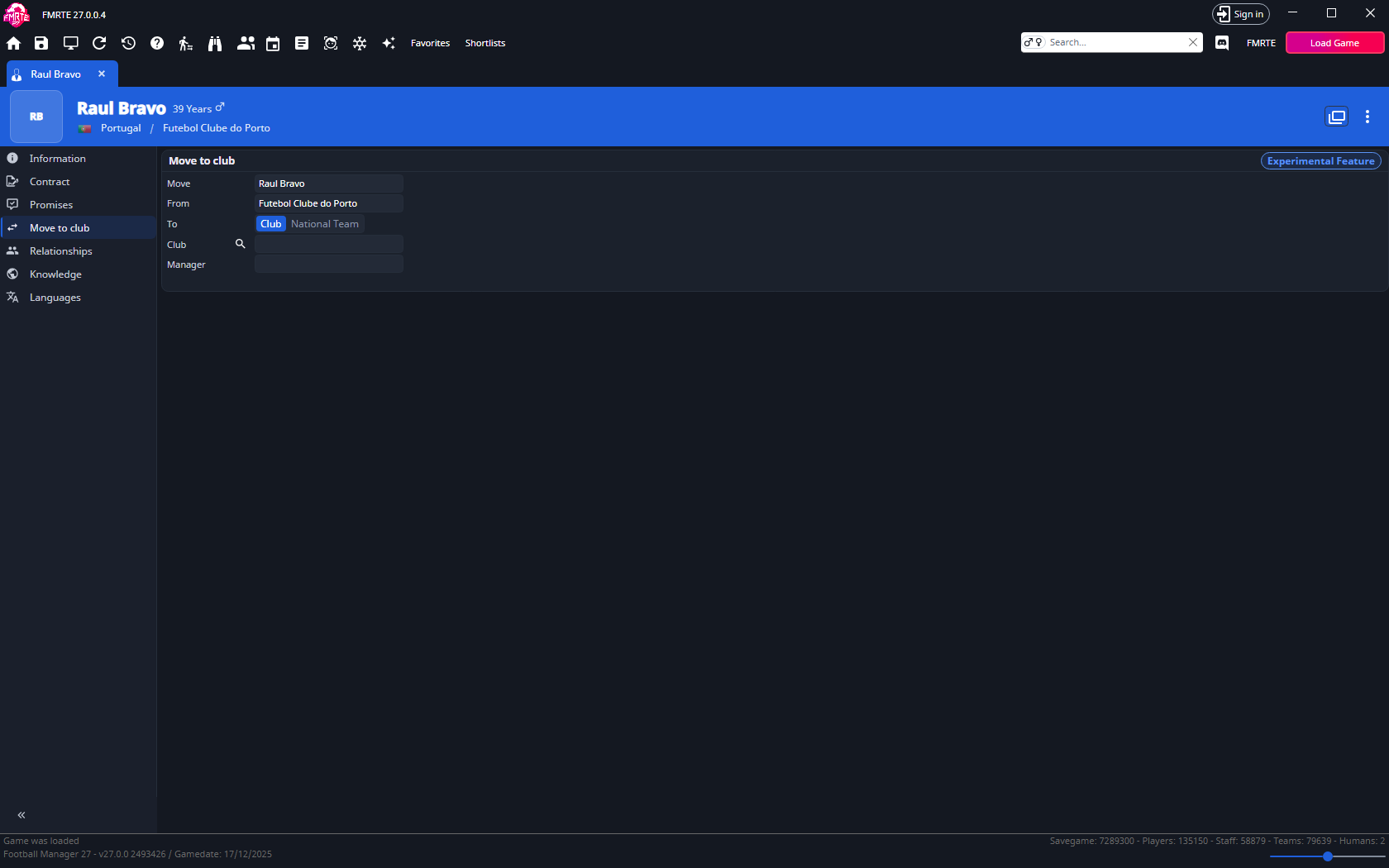
Get a job offer from a club
- Under To, keep Club selected.
- Use the search button beside Club to choose the club. Manager shows who has the job now.
- Select Save Changes, read the message, then select Send offer. If the club has a manager, they lose the job straight away.
- In Football Manager, continue once.
- Open the offer in your inbox, choose Enter Contract Negotiations and agree a contract.
Agree the contract before you continue again, or the club may hire someone else.
Get a job offer from a national team
You keep your club job as well.
- Under To, select National Team.
- Use the search button beside National Team to choose a team. Only senior national teams are listed.
- Select Save Changes, read the message, then select Send offer. If the national team has a manager, they lose the job straight away.
- In Football Manager, continue once, then accept the offer in your inbox.
Accept the offer before you continue again, or the game gives the job to someone else.
On some setups only club offers are available, and To is hidden.
From the menu
You can also use the ⋮ button in your manager's header: Job offer from a club… or Job offer from a national team…. These send the same offers. An offer needs a licence either way.
After sending an offer
An offer can't be undone. To go back, load an earlier save. See Backups and recovery.
FMRTE refuses an offer, and says why, when:
- your manager is already at that club
- another human manages the destination
- your manager is already waiting on an offer from that team
- your manager has accepted an offer from another team, so Football Manager would turn this one down
- your manager already has a national team job
All Players Interested: must FMRTE stay open?
No, after you apply it, FMRTE can be closed.
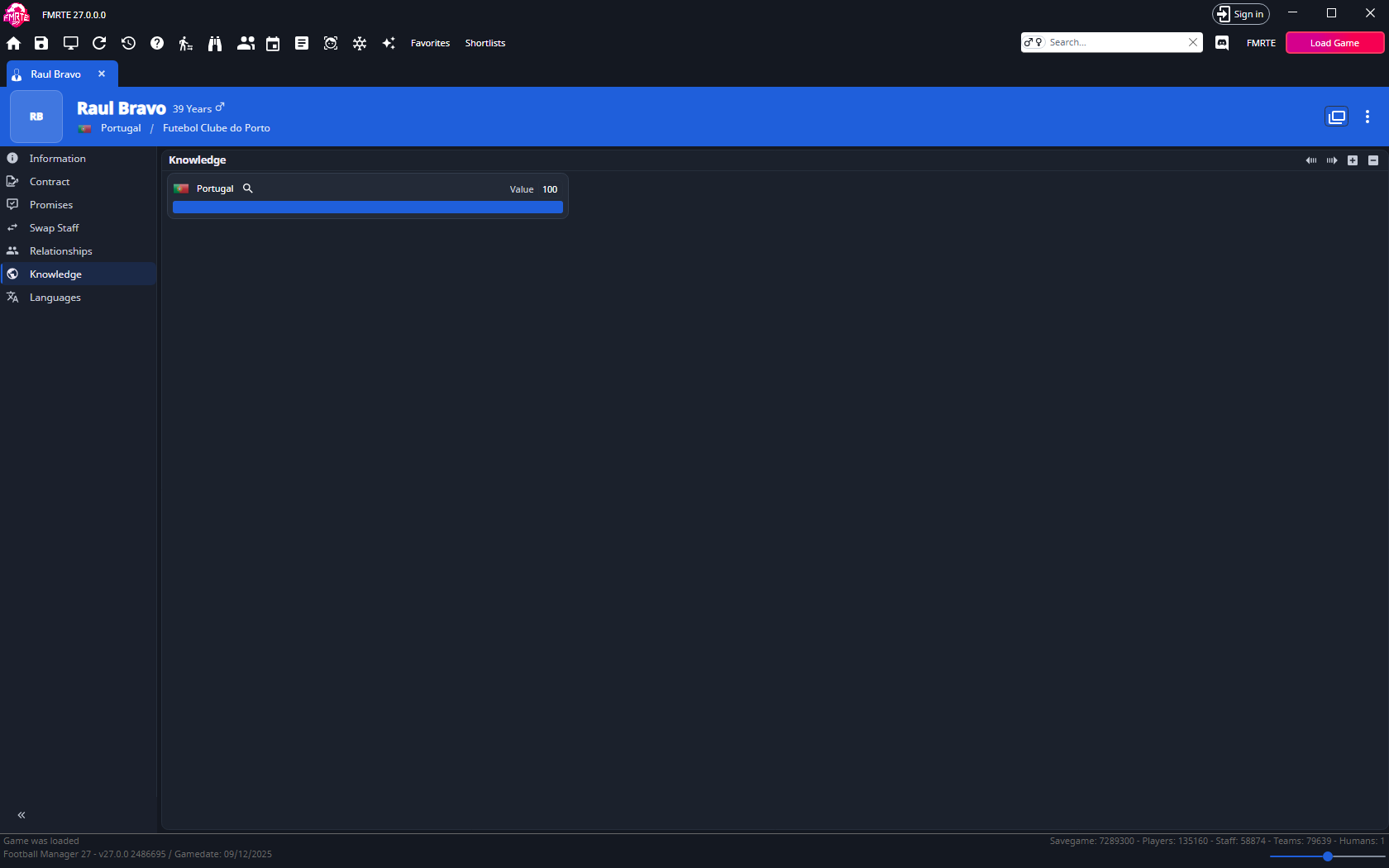
Country knowledge
- Open Knowledge and use + to add a country, or select an existing row.
- Check whether the record belongs to the men's or women's database.
- Set the value and save. Use − to remove a selected entry.
- Check your scouting knowledge in Football Manager.
Languages
Open Languages, add or remove entries with + / −, and set a level from 0 to 10. Save and check your manager profile in Football Manager.
Promises
Open Promises to see the promises your manager made to players. Change a promise's type or dates and save, or select it and use − to remove it. To make a new promise, open the player and use their Promises tab.