Open in
Loading your game
info
Load Game reads data from the savegame currently open in Football Manager. It does not open a saved file from your computer.
Before loading
- Load your savegame in Football Manager and wait until the load completes.
- Start FMRTE.
- Check that your game edition and update are supported.
Load your game data
- Select Load Game and leave Football Manager running.
- Wait for loading to finish.
- Check Savegame and Gamedate in the status bar.
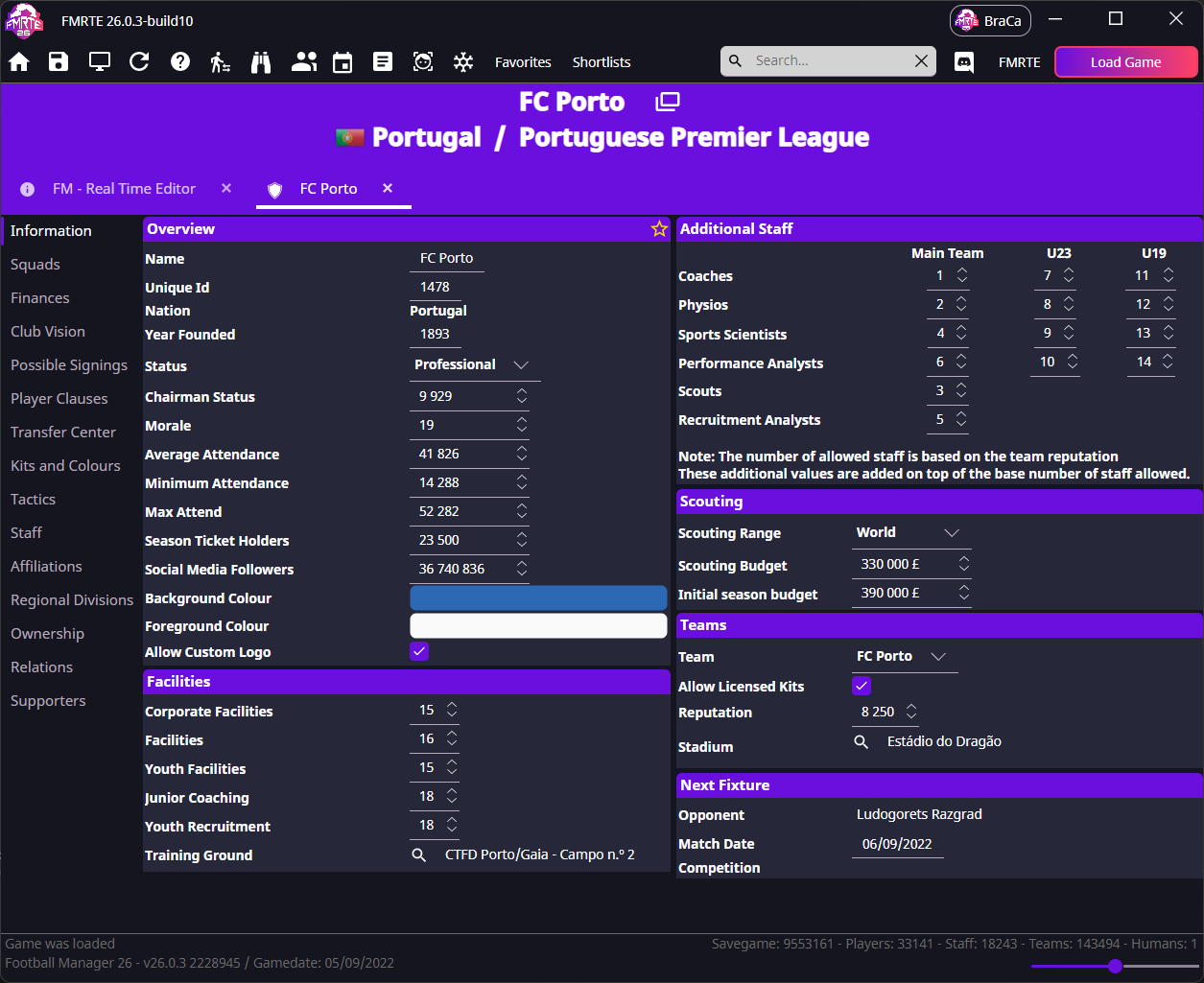
You can now search for players, clubs and staff.
Changing to another savegame
Finish any edits you want to keep while the current savegame is still loaded. Then load the other save in Football Manager, select Load Game again in FMRTE and confirm the new manager and club.
If loading fails
| Problem | Try this |
|---|---|
| No savegame loaded | Load the save fully. The game's main menu is not enough. |
| Game not found | Check the supported edition, then restart both apps. |
| The game just updated | Check supported versions. |
| Windows access error | See access permissions. |
| Mac “Unable to open process” | Follow Mac troubleshooting. |
Still stuck? Use Troubleshooting.
Next step
Follow Your first edit, or start by finding young players if you only want to scout. The interface tour is available whenever you need it.