Open in
Search and Advanced Search
Search / Adavanced Search are free features, no purchase or license required.
Use the search box for a quick lookup by name or id. For more precise results, use Advanced Search to combine multiple criteria and find specific players, clubs, or staff.
For a complete filter-and-results walkthrough, follow Find young players.
Find a record by name
- Type a name in Search... at the top right.
- Choose Mens Football, Womens Football, or both if needed.
- Press Enter, then double-click the correct result.
The record opens in a tab. If it opens in the background, select that tab or change the search-tab settings.
Use Advanced Search
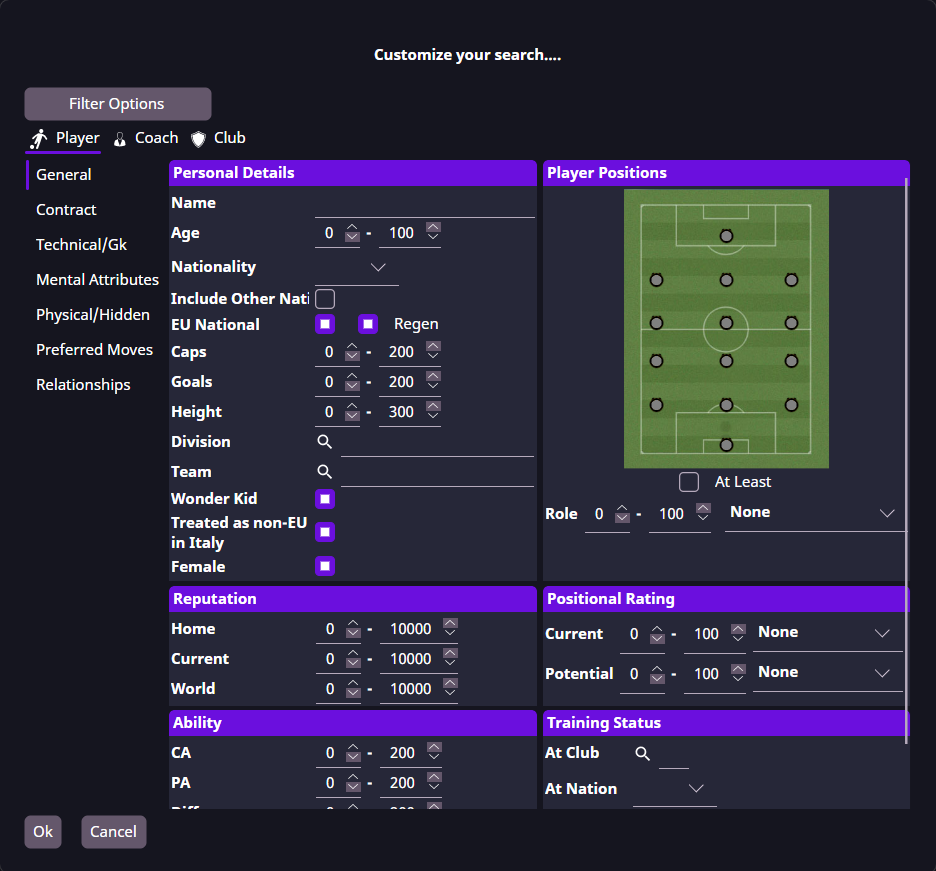
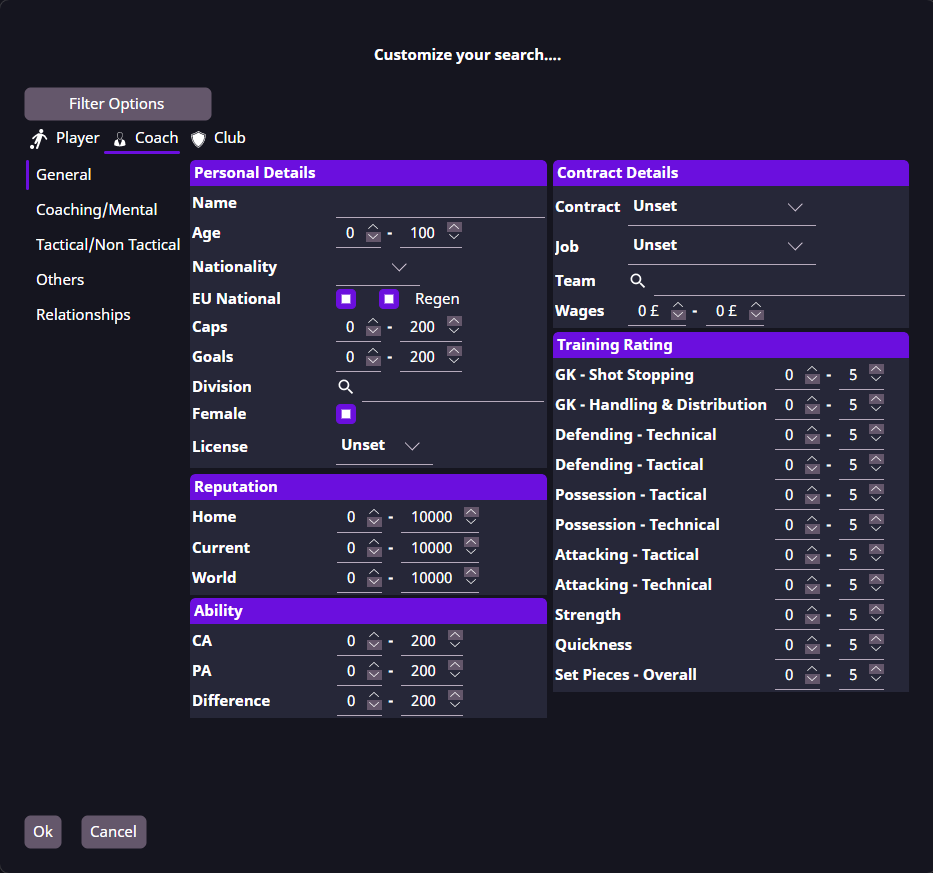
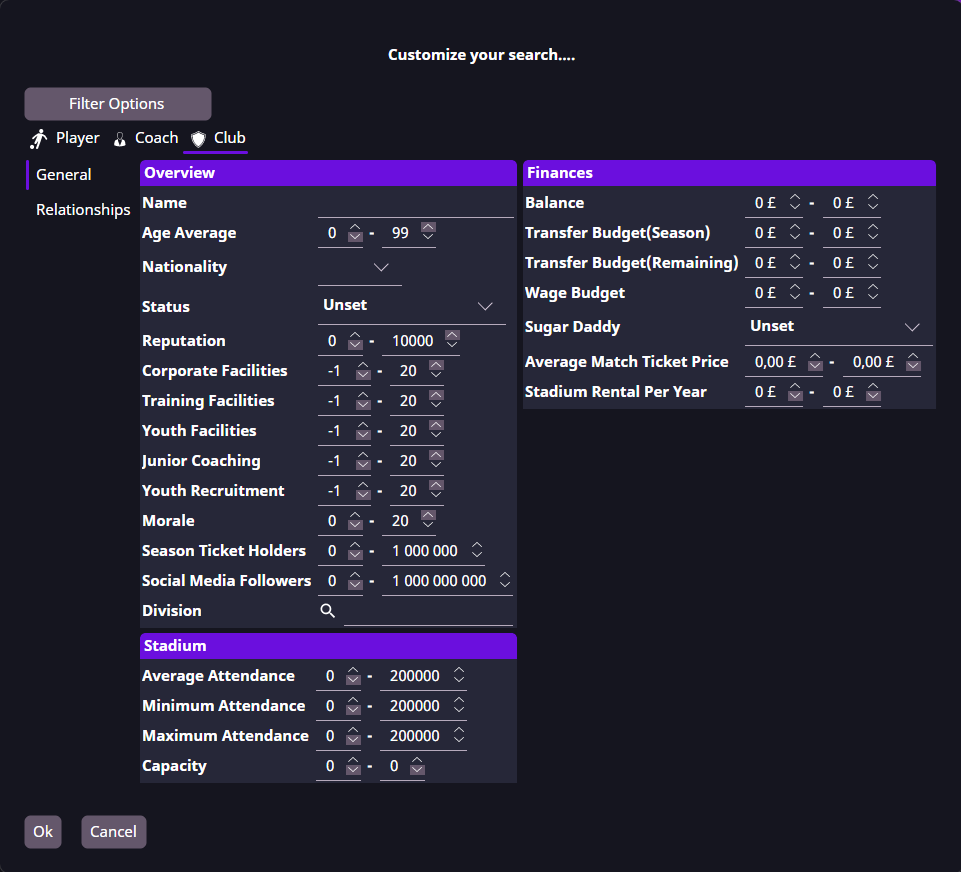
Advanced Search combines filters to narrow your results. Each search type has its own criteria:
| Search type | Available criteria include |
|---|---|
| Player | Age, nationality, ability, attributes, positions and contract details |
| Coach | Contract details, coaching attributes, scouting attributes and training ratings |
| Club | Facilities, finances and stadium details |
- Open Advanced Search with the binoculars button or
Ctrl+F(Cmd+Fon Mac). - Select Player, Coach or Club.
- Choose the filters you need from the categories on the left.
- Select Ok to run the search.
Fields with minimum and maximum values let you set a range. Narrow ranges and additional criteria reduce the number of matches.
Save and reuse search criteria
Use Filter Options → Save to save your criteria and Filter Options → Load to reuse them. Clear removes the current criteria.
Saved criteria control which records match a search. Column settings control which details appear in the results.
Use the result
Open a record, save players to a shortlist, or edit the group with Mass Edit.