Open in
Editing players
tip
New to FMRTE? Start with Your first edit.
Open a player to see their pages on the left. Use this overview to find the right tab
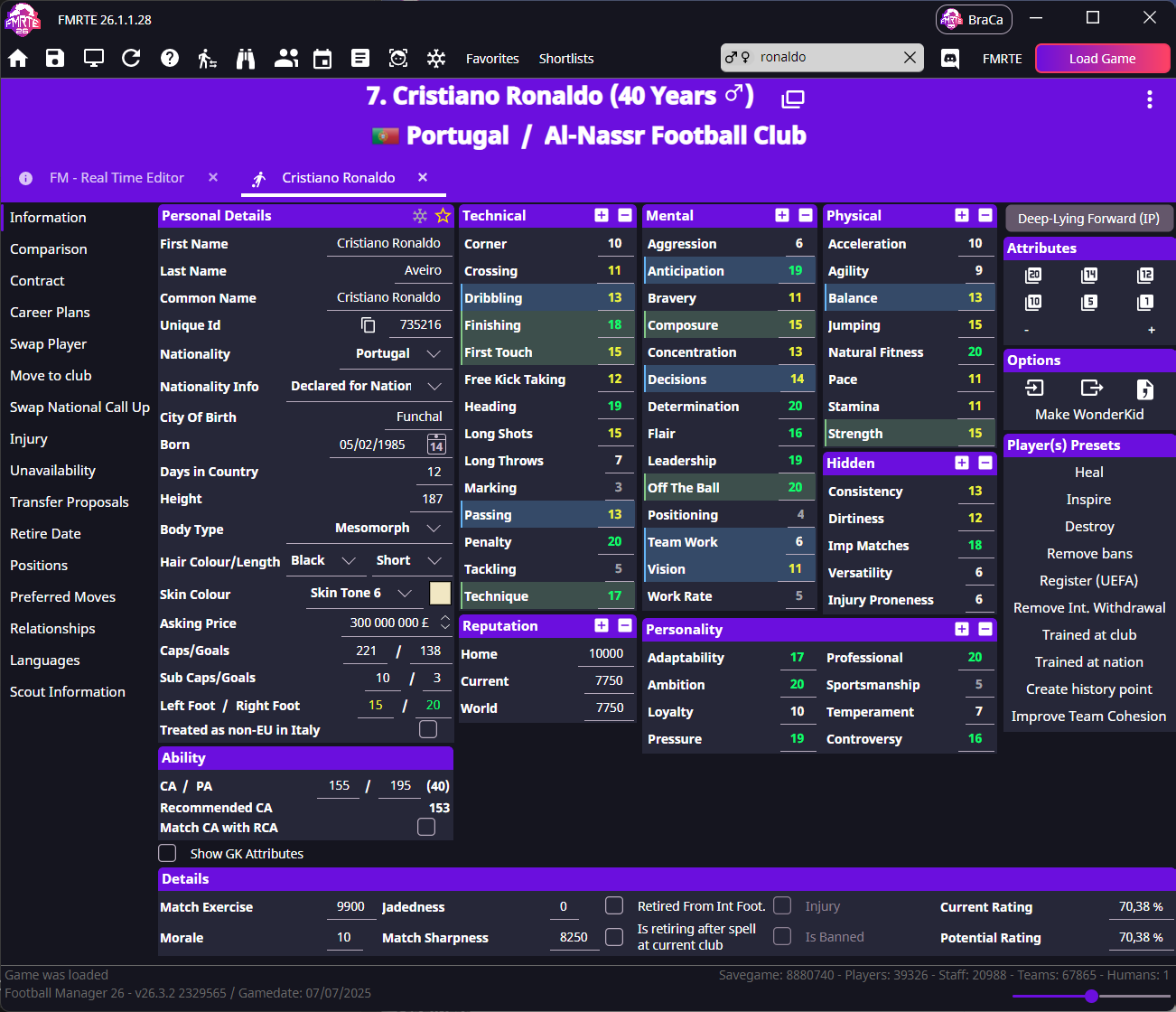
Player tabs at a glance
info
Some tabs appear only when the player has the relevant contract, transfer, national-team or retirement record.
| Tab | What you'll find |
|---|---|
| Information | Attributes, ability, personal details, fitness and morale. |
| Comparison | Compare two players' attributes and positional familiarity. |
| Contract | Contract dates, wages, clauses, playing time and happiness. |
| Career Plans | Career preferences, such as a future club or job, and the conditions attached to them. |
| Swap Player | Exchange two players between their clubs. |
| Move to club | Move the player to another club, permanently or on loan. |
| Swap National Call Up | Replace a player in a national squad. |
| Future Transfer | The player's already agreed transfer. |
| Injury | Injury type and recovery dates. |
| Unavailability | Bans and other reasons the player cannot play. |
| Transfer Proposals | Existing transfer offers involving the player. |
| Retire Date | A scheduled retirement date. |
| Positions | Familiarity with each position on the pitch. |
| Preferred Moves | Traits that influence how the player behaves in matches. |
| Relationships | Links to people, clubs and nations, including second nationalities. |
| Languages | Spoken languages and proficiency. |
| Scout Information | General and positional scouting ratings. |
Add or remove player favourites
- Open the player's Information page.
- Select the star to add the player to your favourites.
Open Favorites to return to the player later. To remove them, select the star again on their Information page.
Favourites are tied to the savegame.
Tools on a player profile
Use Presets for ready-made changes, Freezer to maintain selected values, Import/Export to copy player data, or Make WonderKid to generate attributes for a role.