Open in
Changing a player's retirement date
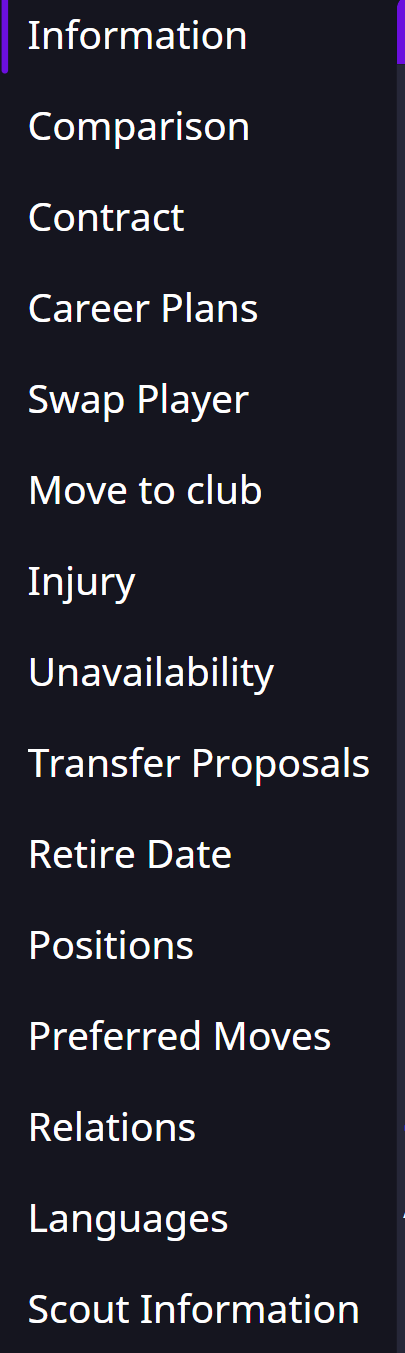
Open the retiring player's Retirement or Retire Date page. It appears when a retirement record is available.
Change the date
- Open Retirement and check Person.
- Set Retire Date to the new date. Leave Start Date unchanged unless you also intend to change it.
- Select Save Changes.
- Check the player's retirement information in Football Manager; it may refresh after the game advances.
Remove the retirement record
Select Remove, save, then reload the player and check their retirement status in Football Manager.
If the tab is missing
After a new retirement announcement, select Load Game again. You may need to advance Football Manager before the record becomes available.
A player becoming staff may not have a staff profile until playing retirement takes effect. Changing their retirement date does not create that profile early.