Open in
Moving players between clubs
Move a player immediately, arrange a loan, swap two players or change an agreed future transfer.
For a permanent move from start to finish, follow Move a player to another club.
Move a player immediately
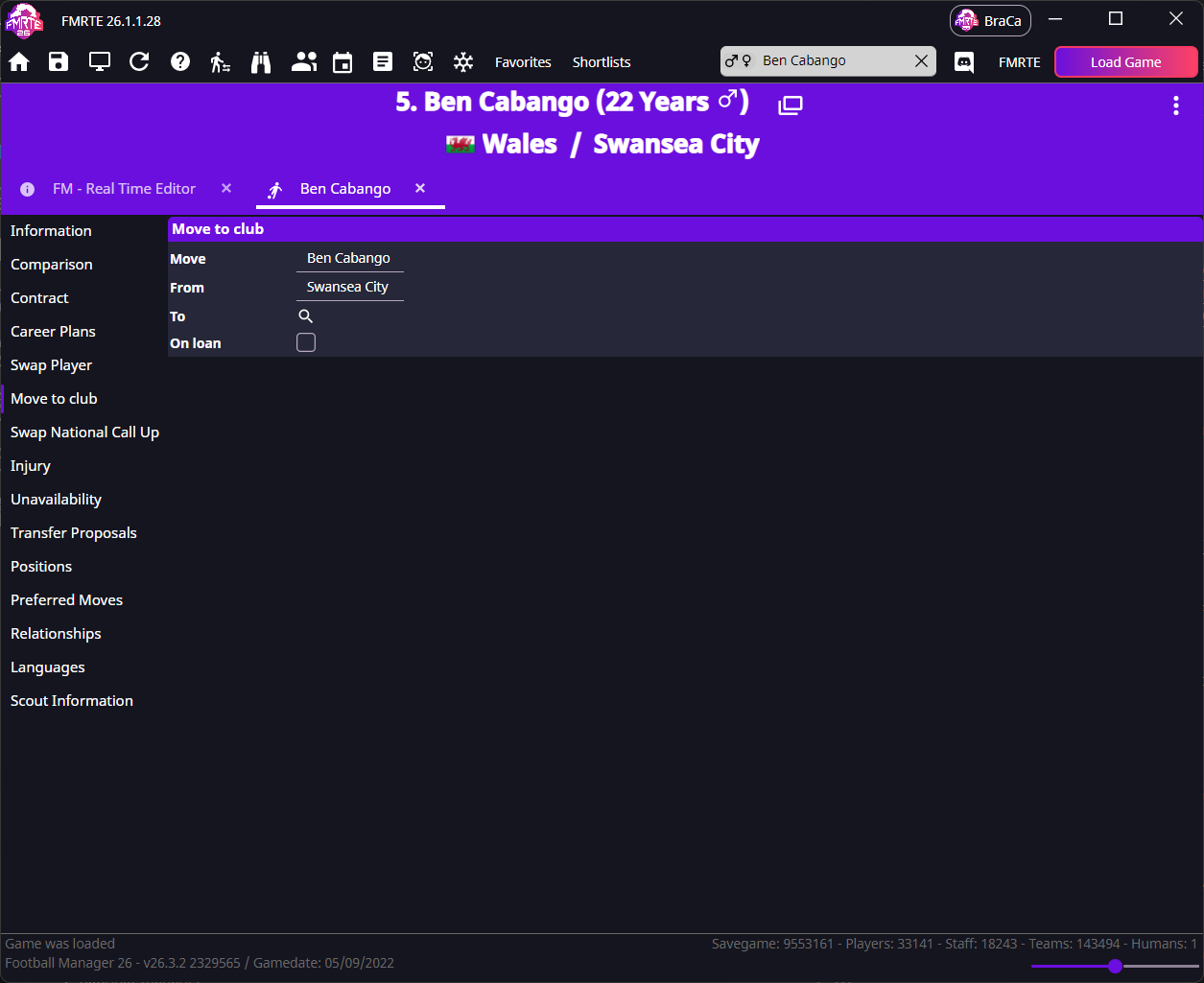
- Open the player and select Move to club.
- Check Move and From, then search beside To for the destination.
- Leave On loan clear for a permanent move.
- Save and check the destination squad and player's contract in Football Manager.
info
No transfer fee is exchanged automatically. Adjust club finances separately if wanted, and check registration and permits.
Loan a player
The player must already have a full contract with another club.
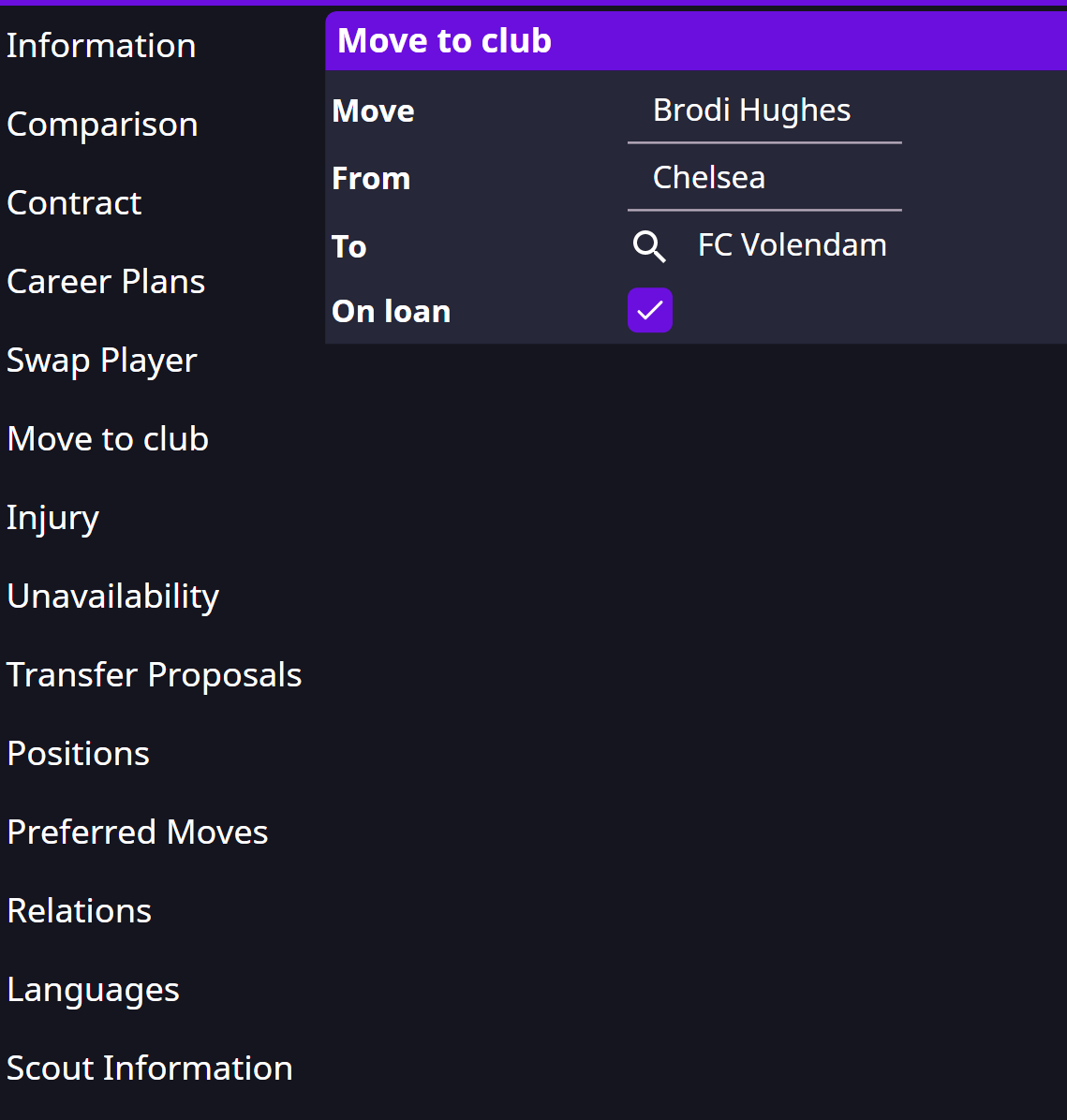
- In Move to club, select the destination, tick On loan and save.
- Reload the player and open Loan Contract.
- Set dates, wages, agreed price, monthly fees, playing time and clauses as needed.
- Save again and check the parent club, loan club and terms in Football Manager.
Swap two players
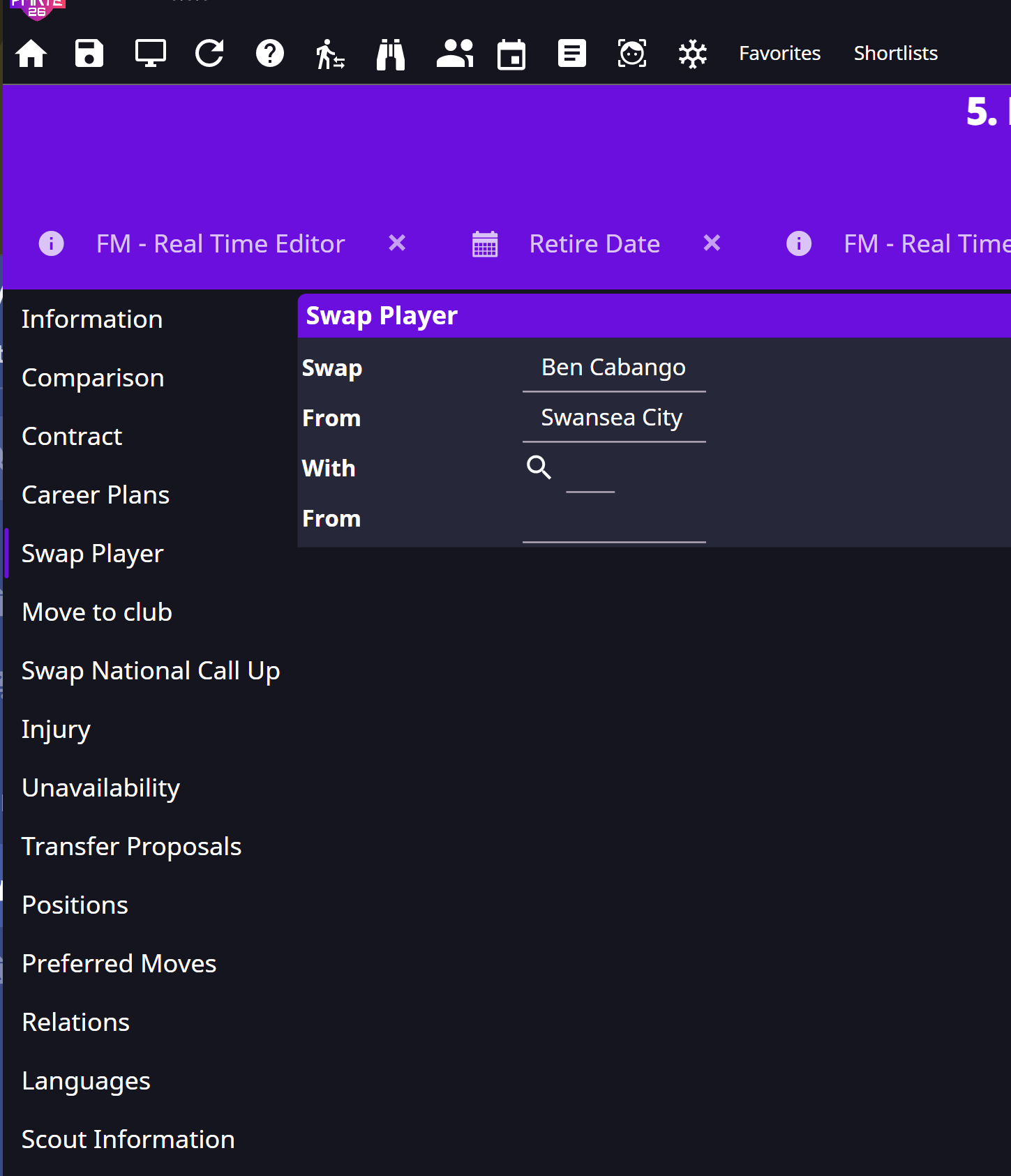
- Open Swap Player on the first player.
- Search for the second player. Both need contracts.
- Check the names and clubs, then save.
- Check both squads and contracts in Football Manager.
Edit an agreed future transfer
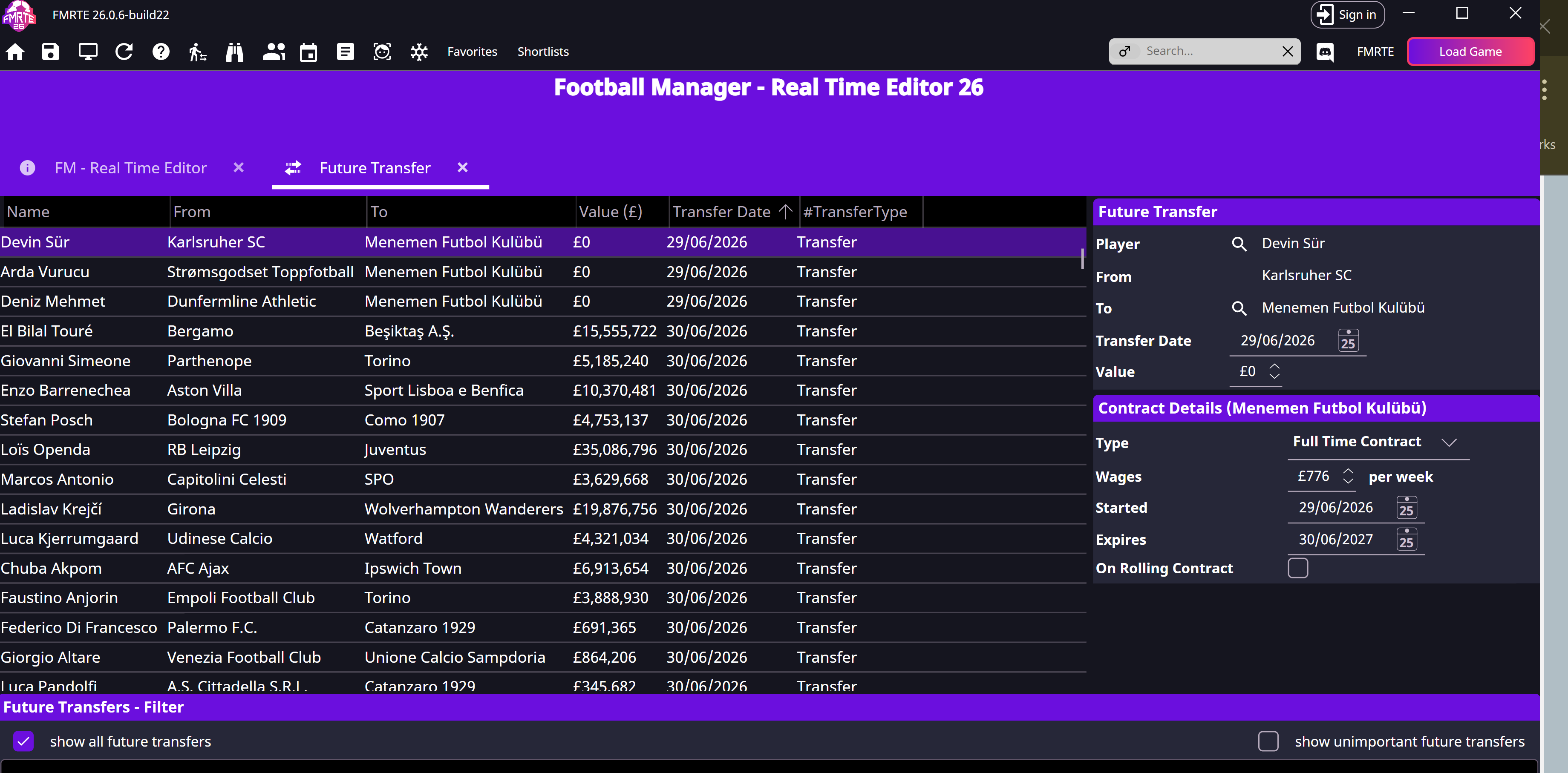
- Open View Future Transfers from the toolbar and select the deal.
- Change the destination, dates, fee or wages as needed. Keep transfer and contract-start dates consistent.
- Save and check the pending deal in Football Manager.
If FMRTE cannot create a contract
For Unable to create a new contract, follow the contract-creation checks.