Open in
Backups and recovery
tip
Load an earlier save to recover from an unwanted edit, or use a player export to restore selected attributes.
Recover from an unwanted edit
To return to the state before an edit, load an earlier save. FMRTE has no general undo button.
- Close FMRTE so automatic tools such as Freezer stop applying changes.
- Load the earlier save in Football Manager.
- Check the affected player or club, then save under your working name.
- Reopen FMRTE and load the savegame. Review active Freezer settings before continuing.
Loading that copy also returns your game progress to that point. If it already contains the unwanted edit, try an older save or autosave.
Player exports: useful, but selective
A player export can restore selected attributes. It does not restore the whole savegame, transfers or competition state.
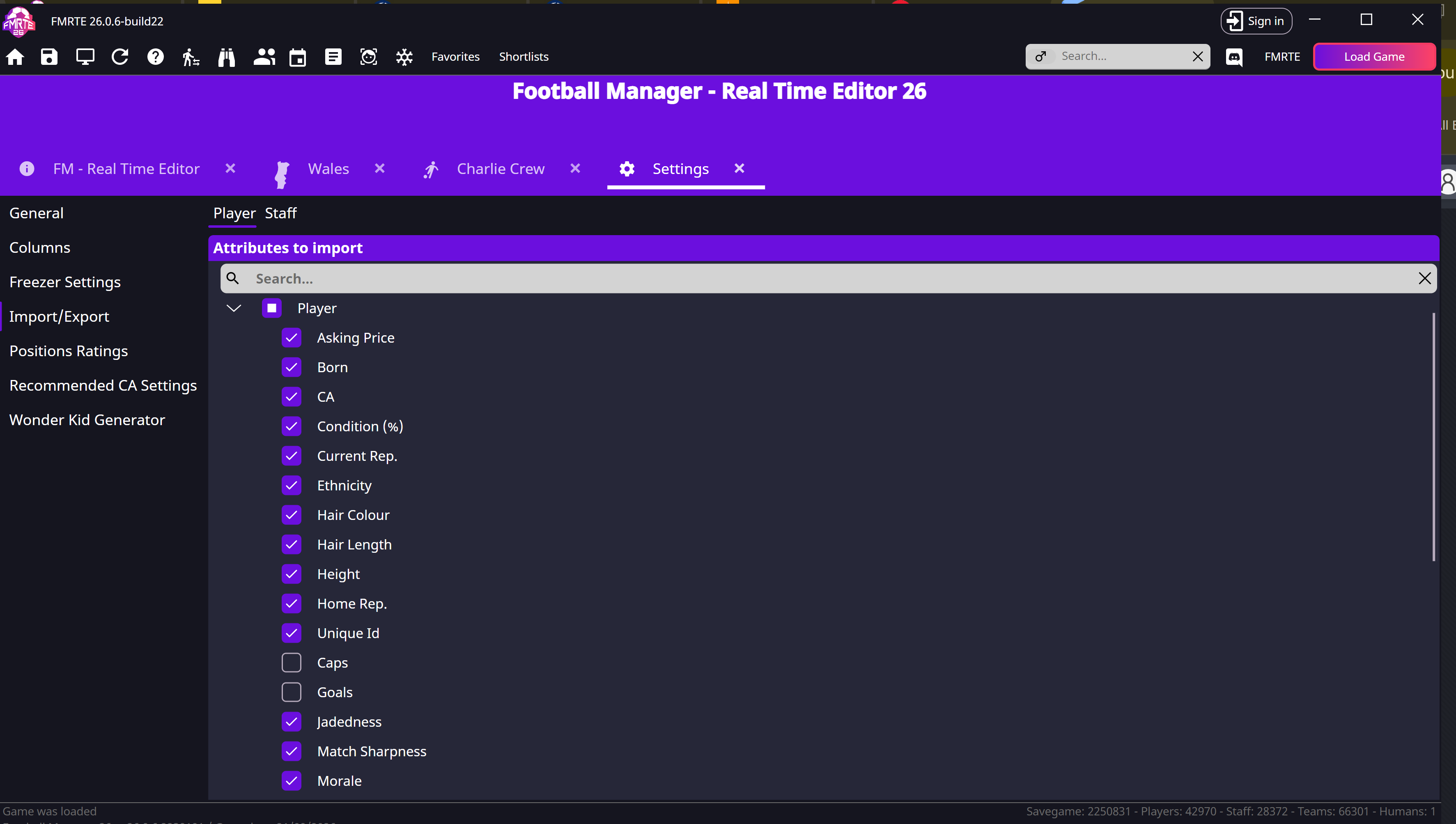
Check Import/Export settings to choose the fields before importing.