Open in
Bans, suspensions and holidays
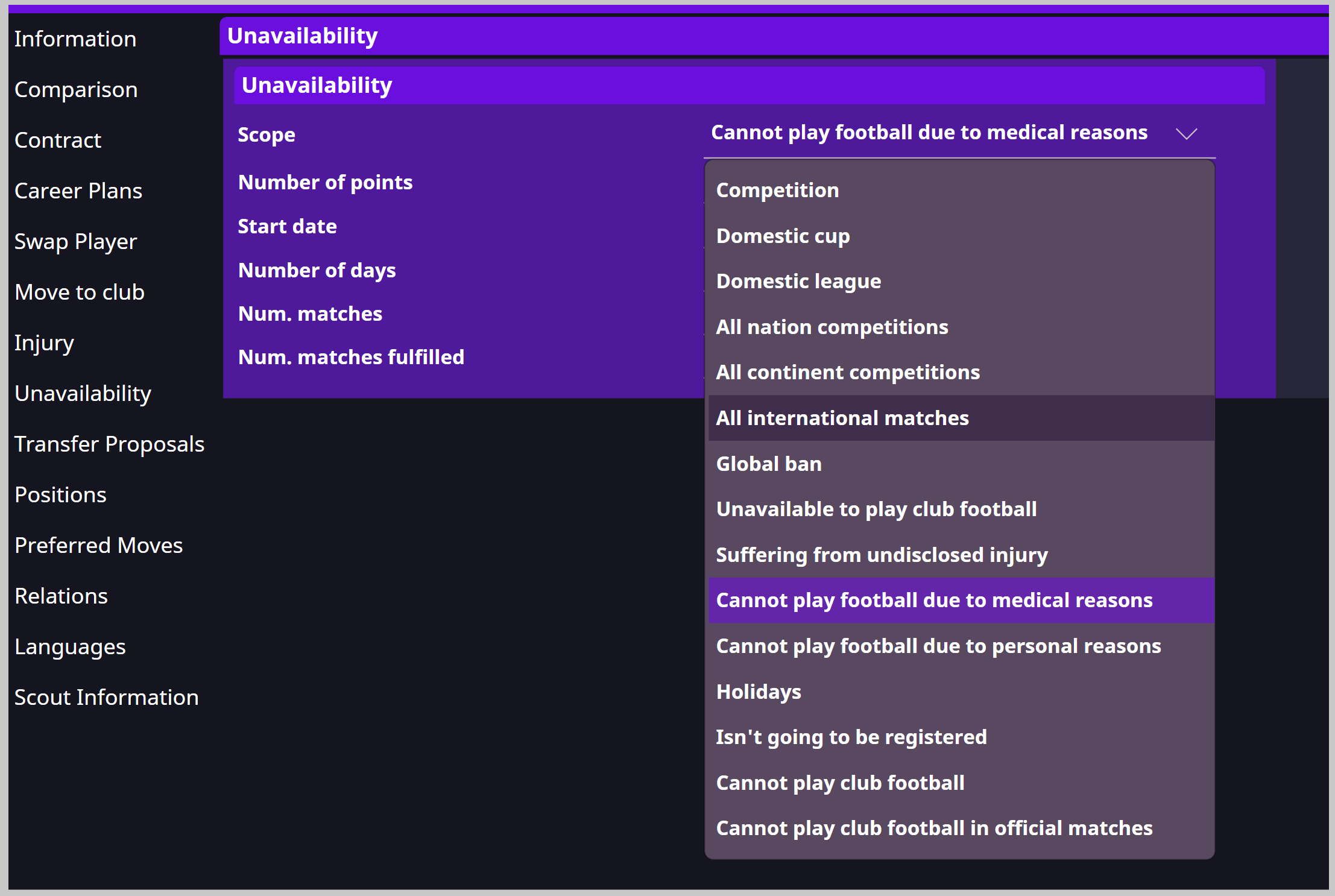
The player's Unavailability page lists restrictions that keep them out of matches. A player can have several at once.
Remove a restriction
- Open Unavailability and select the ban, suspension or holiday.
- Select −, then Save Changes.
- Check availability in Football Manager.
If the player still cannot play, check the remaining entries, injuries and registration.
Add a restriction
- Select + and choose Scope.
- Select the competition or team in Item, if required.
- Choose Reason when available.
- Set Start Date and Number of days or Number of matches.
- Save and check both the reason and duration in Football Manager.
Scopes include global, competition, domestic-league and holiday restrictions. The available fields depend on the scope you choose.