Open in
Editing national squads
View a national squad
- Open the nation and select Squads.
- Select Men's Football or Women's Football, where shown.
- Choose the team at the top of the player list.
The player list uses the same controls as Clubs: Squads. Follow that guide to open players, apply presets and choose between selected players and the whole displayed squad.
National call-ups
Swap National Call Up replaces a player in an announced national squad. You need an existing call-up to replace.
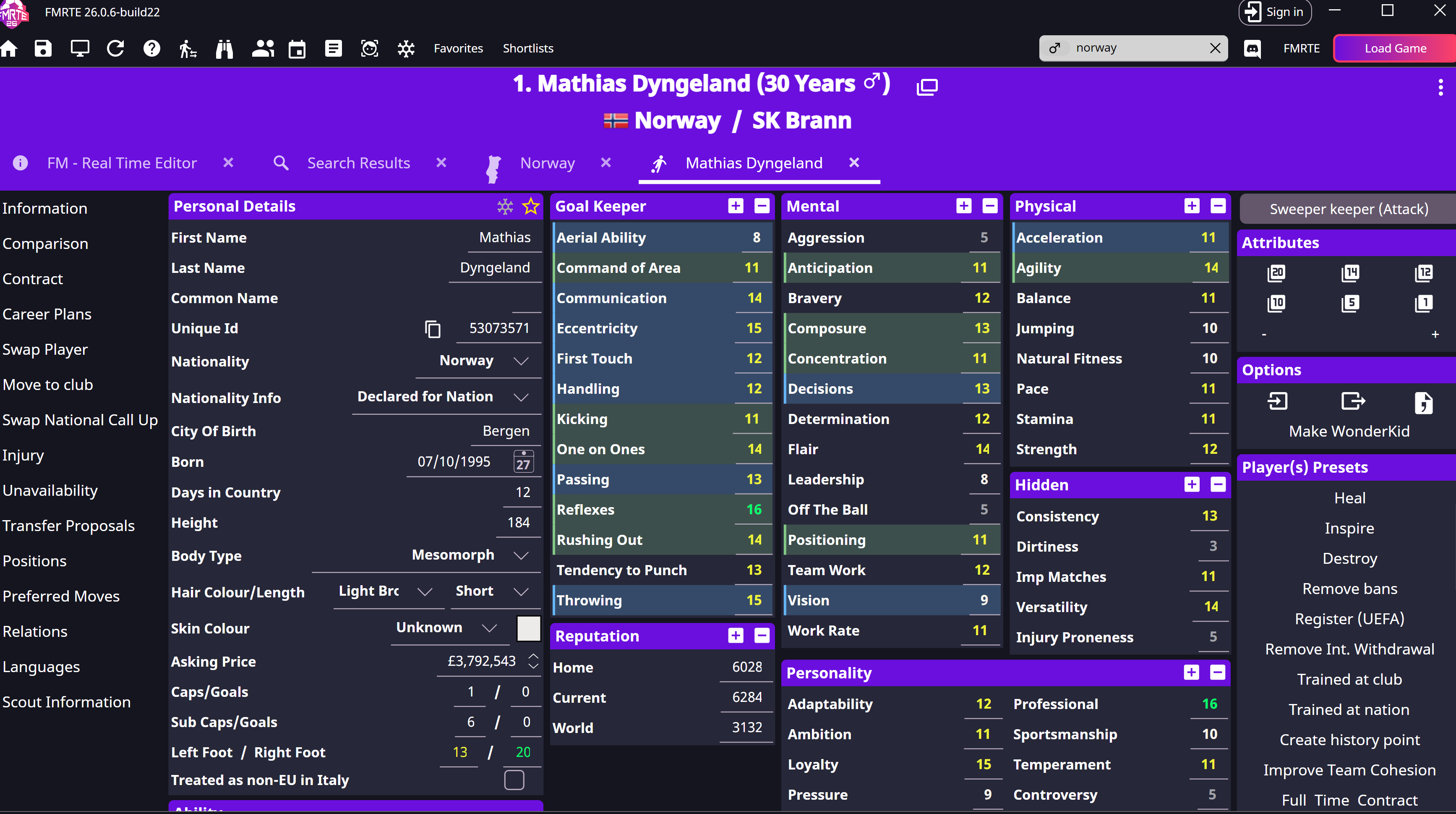
Replace a called-up player
- Wait for the national squad announcement and advance one day.
- Open the outgoing player from the national squad in FMRTE.
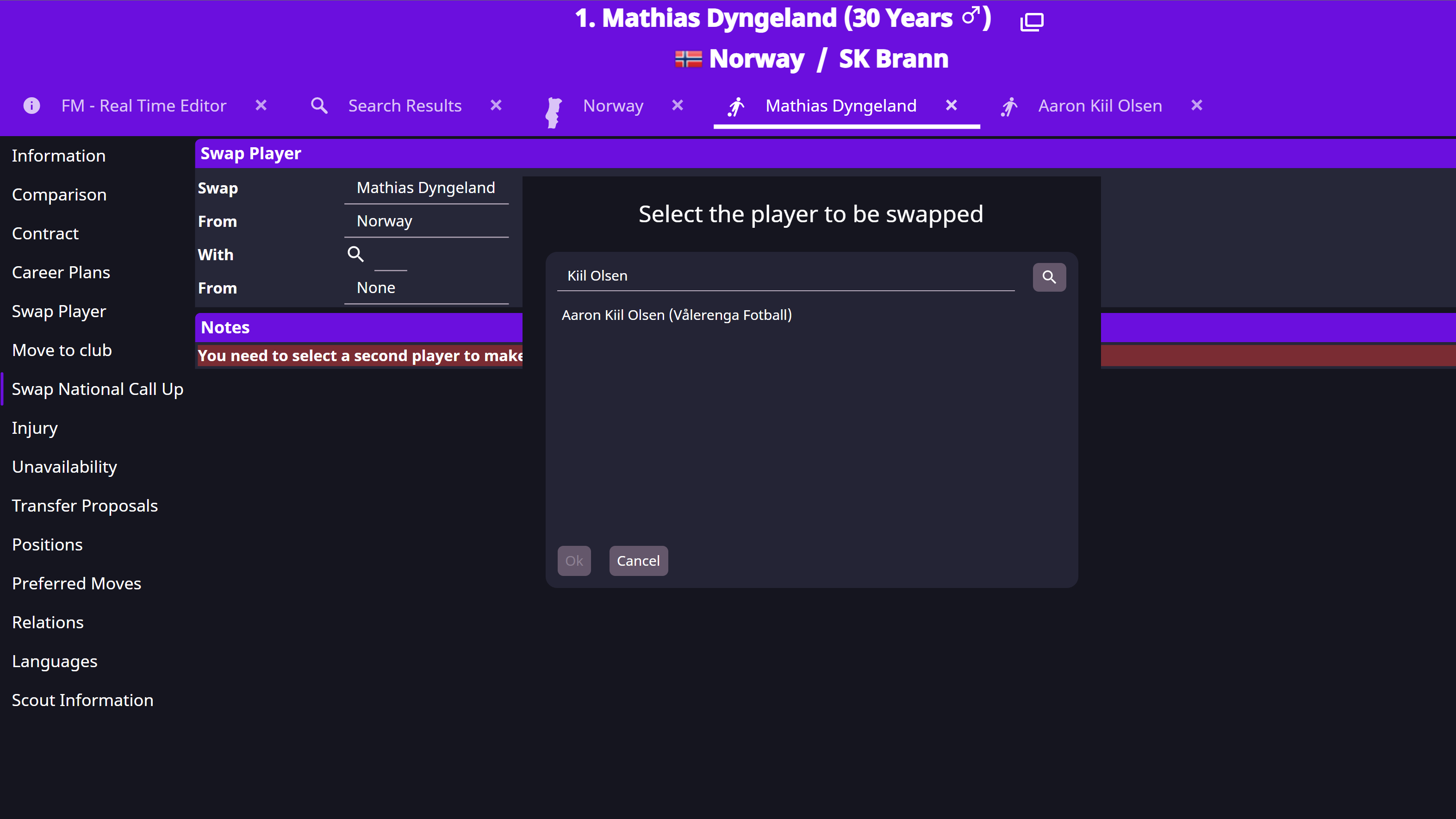
- Select Swap National Call Up.
- Search beside With and choose the replacement.
- Check Swap, From and Notes, then save.
- Reopen the squad in Football Manager and confirm the replacement is listed.
Eligibility and selection
- Age-grade squads still need an age-eligible player.
- Nationality and competition eligibility still matter.
- If the players belong to different national-team structures, read Notes carefully; the swap may affect more than expected.
- A call-up does not force the manager to start the player in a match.