Supported onWindows
Open in
Facilities, reputation and attendance
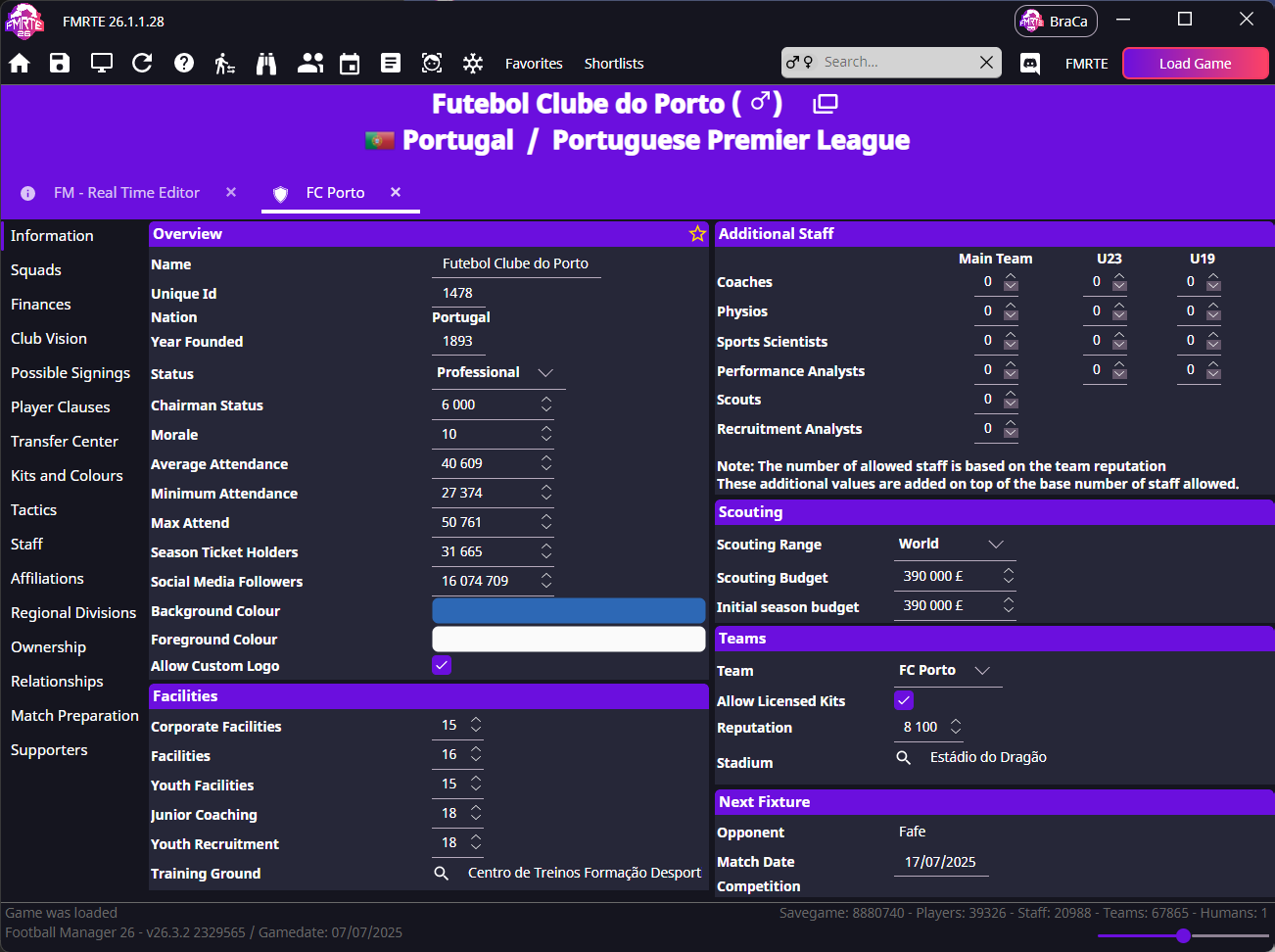
Open the club's Information page. Facilities are on the left; select a team in Teams to edit its reputation.
Know what the numbers represent
| Area | Fields | Values |
|---|---|---|
| Facilities | Corporate Facilities, Facilities, Youth Facilities, Junior Coaching, Youth Recruitment | Use the usual 1–20 scale |
| Reputation | Team → Reputation | Each team has its own value |
| Attendance | Average Attendance, Minimum Attendance, Max Attend | Whole people |
Editing reputation
In Teams, choose the correct first, reserve or youth team. Change Reputation, and press save.
Editing attendance
Keep Minimum Attendance ≤ Average Attendance ≤ Max Attend. Stadium capacity can still limit crowds; these values do not add seats.
tip
For capacity and stand controls, see Stadiums.
Corporate Facilities keeps going back to zero
This has been reported for clubs in non-playable leagues.
- Check whether the league is playable, view-only or not loaded.
- Edit one club, save, and reopen it.
- If the value returns to zero, stop before using Mass Edit on more clubs.
- Report the club, league setup and whether finance data is available.